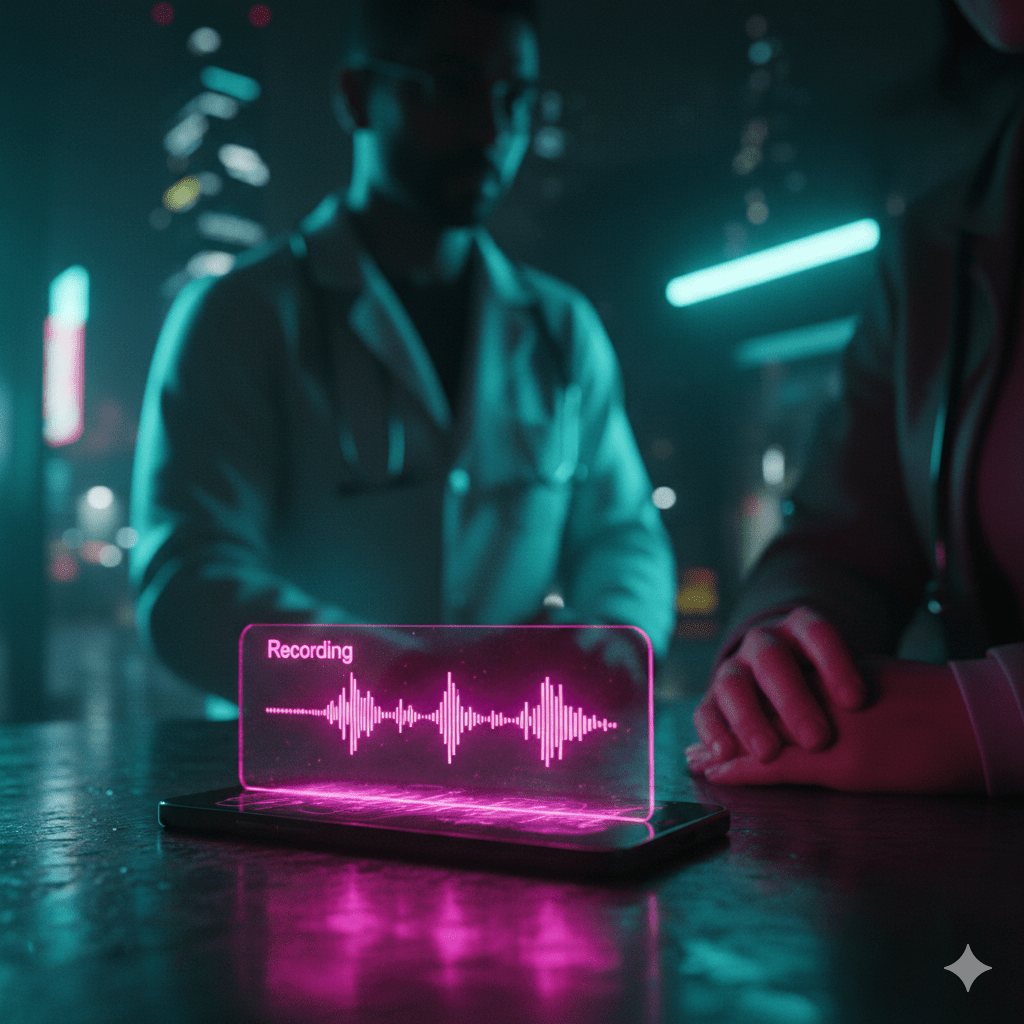
Todays is a quick one and one that I use all the time to allow me to be more present and in the moment.
The Problem with Memory
We often like to think we’ll remember everything, but let’s be honest: we don’t. I know for a fact that my memory is far from perfect, things either go into long term memory or they don’t. This is especially true in high-stress or information-dense situations.
Then there’s the note-taking paradox. If you’re busy writing everything down, you might not be fully listening. You miss the nuances, the tone, and the eye contact. You’re transcribing, not necessarily connecting.
Medical appointments are the perfect storm for this. You’re dealing with complex terms, you’re likely a bit anxious, and the instructions are often critical. This was the issue for me.
Why I Started Recording
I recently had a doctor’s appointment where I knew there would be a lot of information thrown at me. I really wanted to just listen to the doctor and make sure I didn’t miss anything. I didn’t want to be head-down trying to note take on my phone while they were explaining stuff.
So, I have been trying something different, audio recording as much as I can. I just ask “Do you mind if I record this so I don’t have to worry about taking notes and can just listen to you?” and they usually always say yes.
Then I just sat back, listened, asked better questions, and didn’t stress about scribbling down whether they said “20mg” or “200mg”.
The Workflow
It’s surprisingly easy to set this up.
- The Consent: This is the most critical step. Always ask. Frame it as “helping me focus” rather than “creating a record.”
- The Capture: Use your phone. Pixel Recorder, Voice Memos, or an AI app directly.
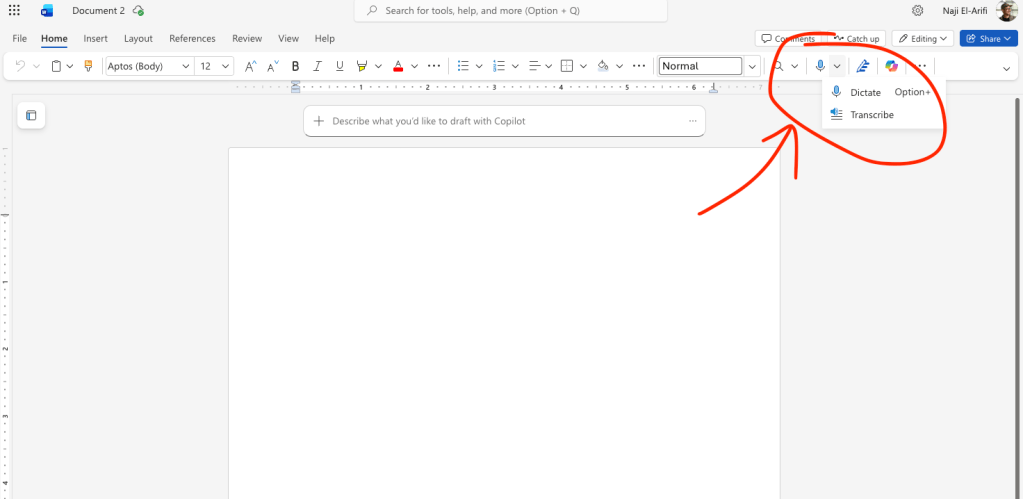
- The Processing: Upload the audio/transcript to your AI of choice (Gemini, ChatGPT, NotebookLM). I also sometimes use Microsoft Word on the web to transcribe the audio, which you can do from the web version and is very good. This way I have a standalone transcript file that can go anywhere or get stored locally.
- The Interaction: Don’t just read the transcript. Ask the AI questions like:
- “What was the specific medication mentioned?”
- “What were the next steps for me?”
- “Did they mention any side effects?”
A Serious Note on Privacy
We have to address the elephant in the room: You are uploading potentially highly personal medical information to a third-party company.
You have to be ok with that. I am, and I am sharing stuff that I don’t mind people knowing. But you need to make your own risk assessment.
Mitigation steps:
- Check the data retention settings of your AI tool.
- Important: If you are using free tools, they are probably using your messages for training. If that bothers you, don’t do it.
- Delete the chat and data after you’ve extracted the notes you need.
- If you are strictly privacy-first, this workflow might not be for you.
In the end you are an adult I am sure you can work it out.
Conclusion
We often think of AI as a tool for generating content. But its power as a memory aid is also very useful for the average person. It allowed me to be more present in the moment, knowing that the details are being safely caught for later.
 Fizzy Logic: My Messy AI Journey
Leave a comment